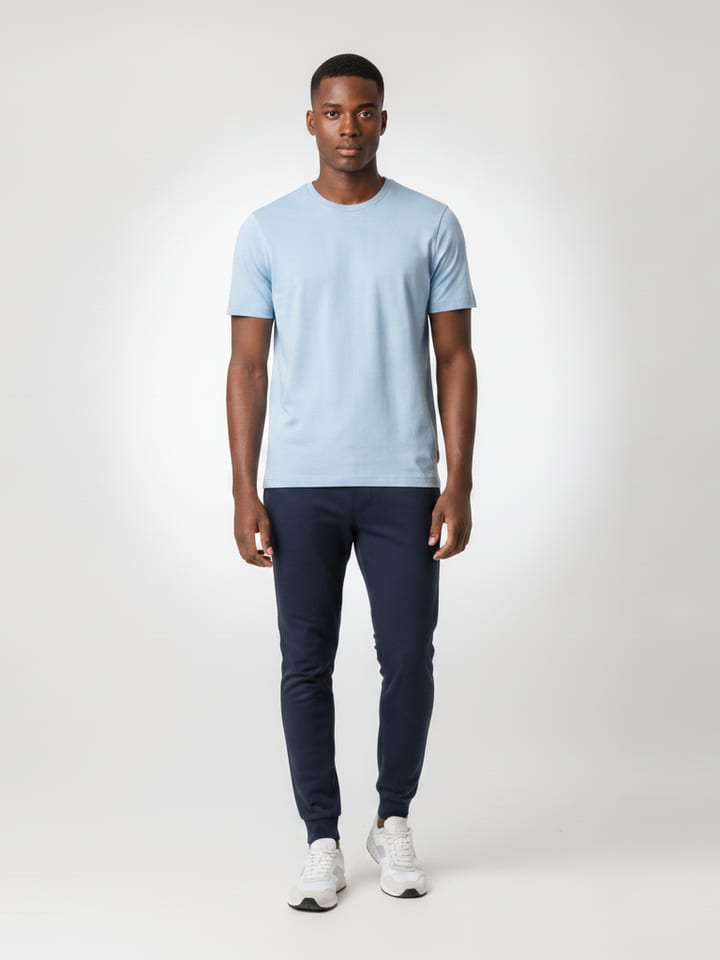
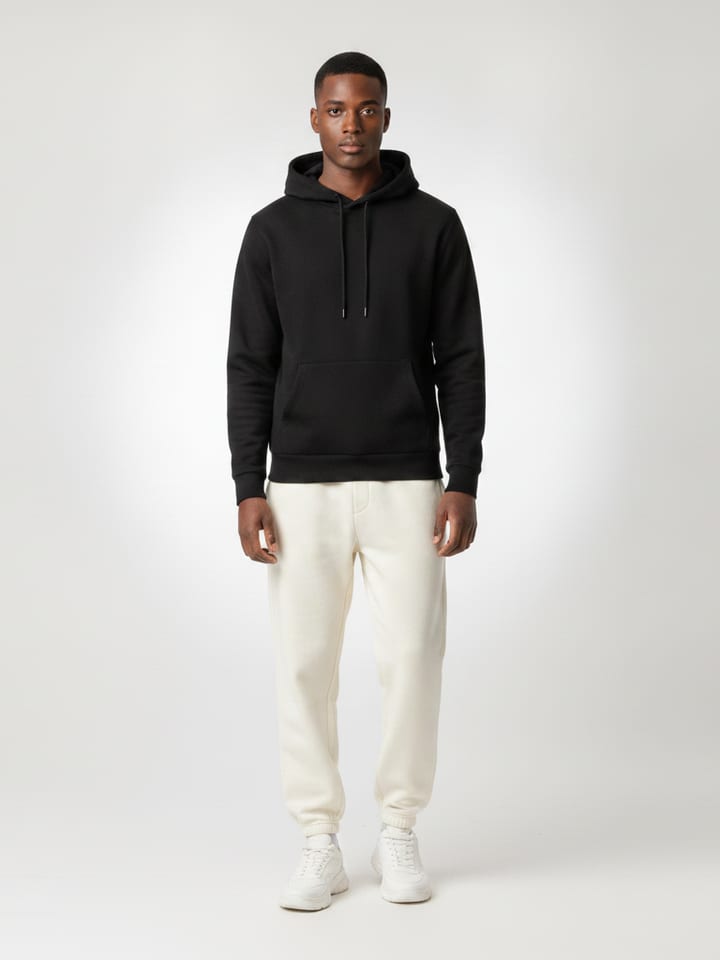
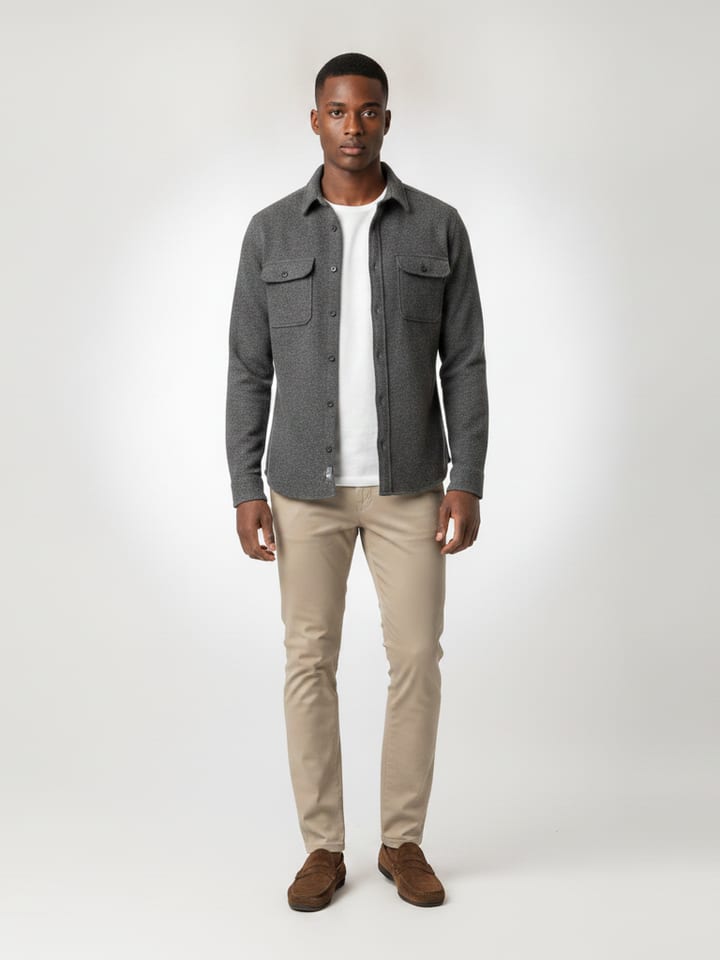
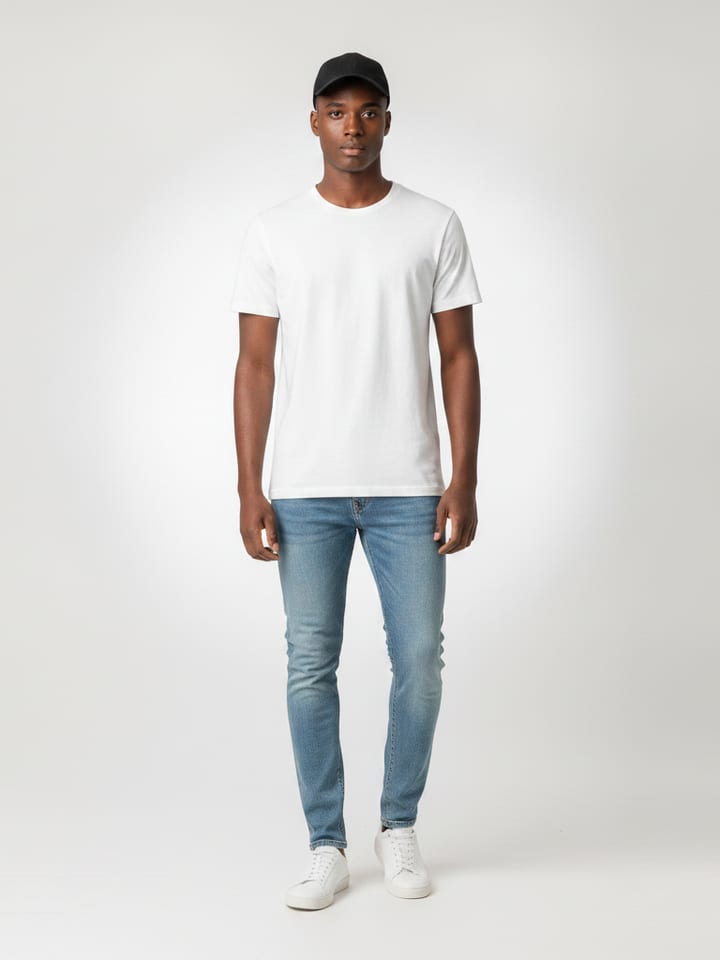
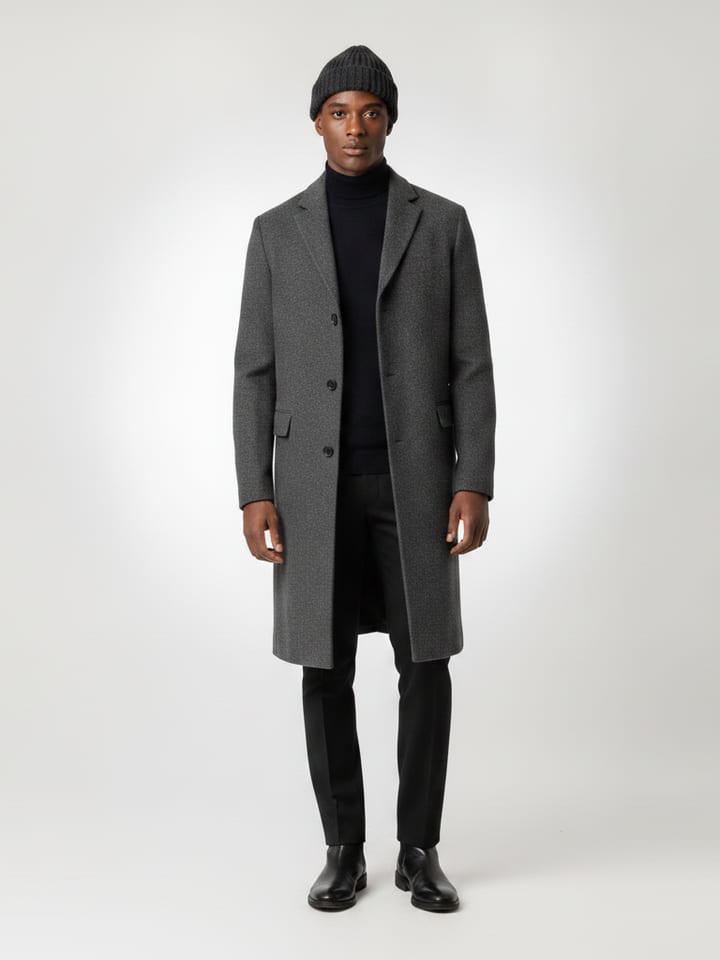
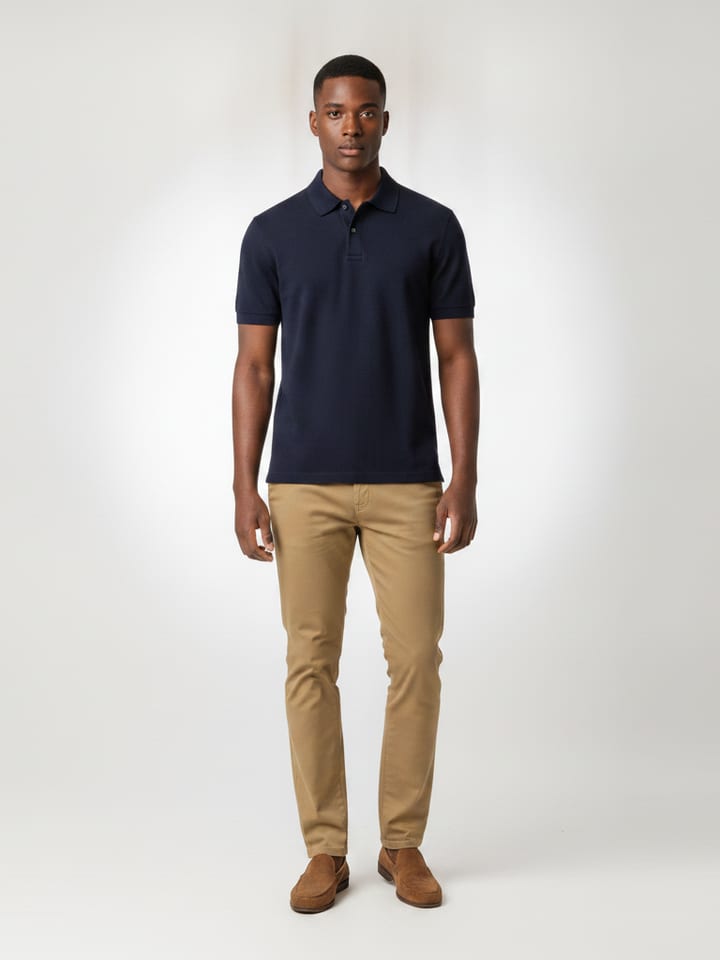
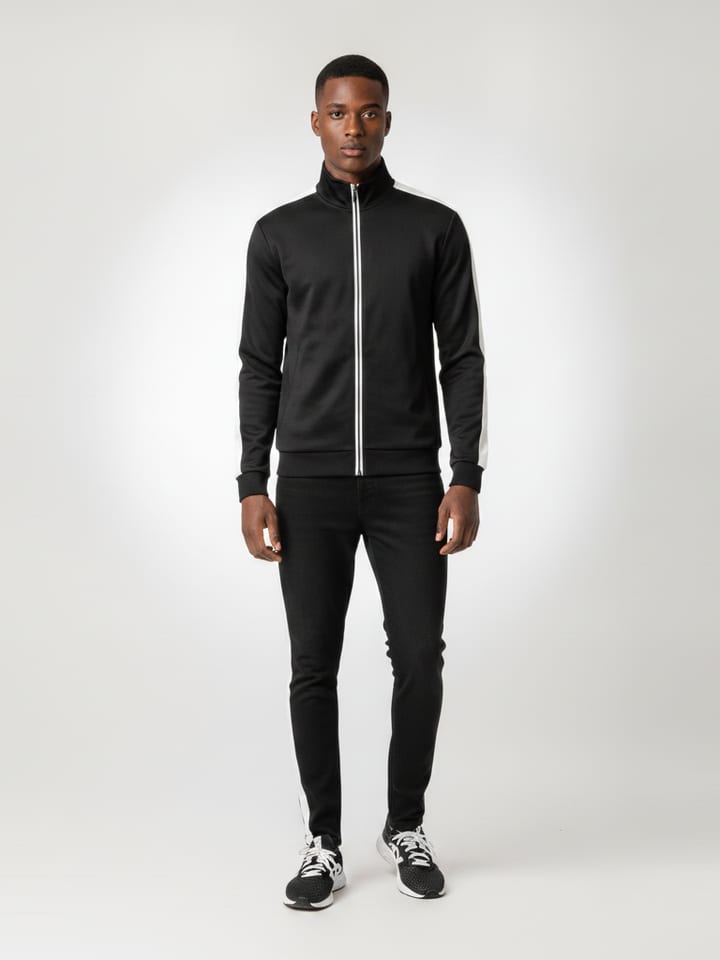
Static Try-Ons
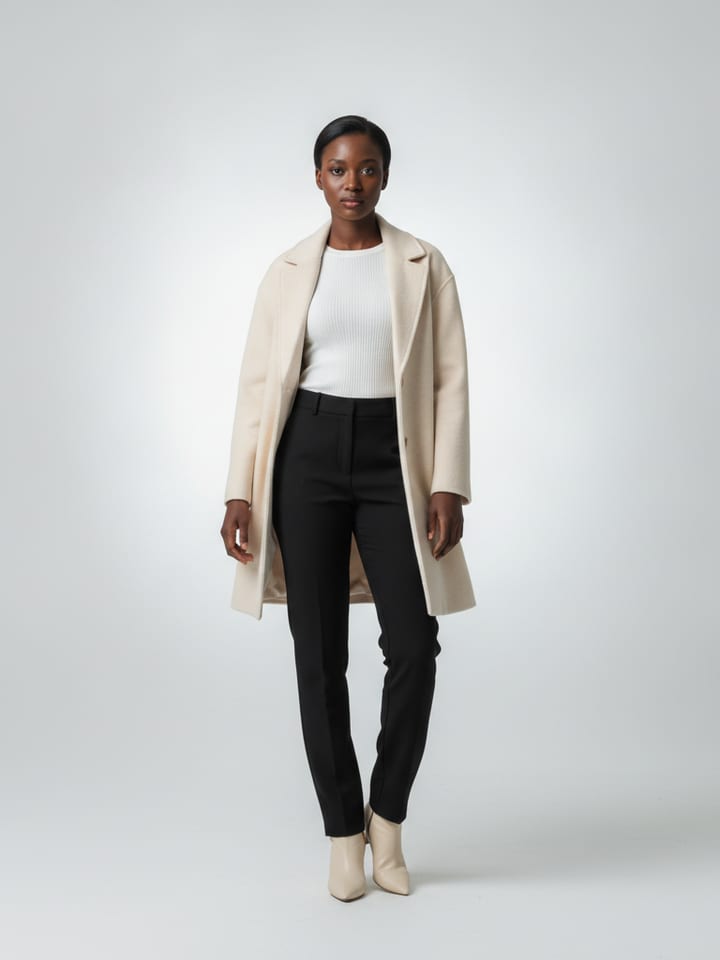
Millisecond garment swaps on the shopper's own photo — an entire wardrobe, as fast as they can tap.
One script tag opens a photoreal try-on studio inside your store, themed to your brand automatically. Renders land in seconds — and a quality gate checks every single one against the shopper's photo before they see it.
NO APP INSTALL · SHOPPER PHOTOS AUTO-DELETE
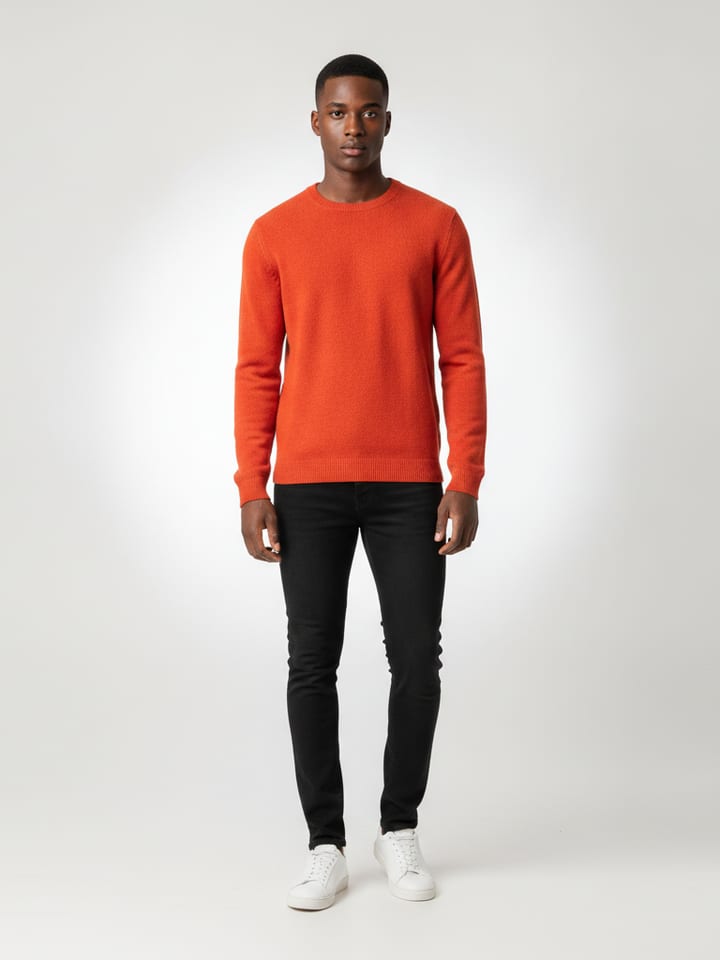
Millisecond garment swaps on the shopper's own photo — an entire wardrobe, as fast as they can tap.
One button turns the outfit into a looping 6-second clip, with a pipeline the shopper can feel: upload, queue, render, ready.
Every garment files itself into Tops, Headwear, Bottoms or Shoes — with layer rules, so a tee never renders under a hoodie.
One engine, every catalogue. The fit profile reads each shopper's own measurements and the store's size guide — so the render is honest whether it's a men's 32 or a women's UK 12.
Gendered size charts — Men's and women's guides, normalized per retailer.
True-to-size guidance — A quiet chip recommends the size — the #1 returns fix.
Any body type — Slim, regular or oversized — the shopper's call.
 FIT · SIZE M — TRUE TO SIZE
Your product photos reach the AI before the Studio even opens — extracted, classified and cached automatically. No manual uploads, ever.
Shopper adds a garment, right next to your cart button
SDK lifts the product imagery — feed, JSON-LD or gallery URLs
AI files it: Tops · layer 2, colorway, fit hints
Waiting in the Try-On Card before the Studio even opens
Repeat garments are content-hashed and served from cache — the second shopper to try the same jacket costs you nothing.
Mount next to your cart button — the Try-On button lives wherever your product pages need it.
Theme: "inherit" — the SDK reads the brand your live page already paints with — colours, type, radius — no config.
Whole-cart try-on — one button on the bag tries every wearable item at once; non-garments are filtered free.
Locked to your storefronts — keys render only from origins you authorize — remove one and it stops instantly.
Privacy by default — shopper photos are destroyed when the session ends, unless the shopper saves one to reuse. Theirs to delete any time.
// Mount beside your cart button.
TryOnButton.mount(
  anchor: '#add-to-cart',
  extract: ExtractMode.auto,  // feed → JSON-LD → gallery
);

// Or hand us your feed directly.
studio.card.add(
  productId: 'SKU-2481',
  images: product.imageUrls,
);
Shoppers who have seen a garment on their own body send back far fewer parcels.
Full-outfit try-ons nudge one-item baskets into head-to-toe looks.
The "will it suit me?" doubt is the last blocker before checkout. Remove it.
Photos live only for the session, with a destruction ticker your DPO can audit.
Drop a capsule collection into every shopper's fitting room on day one.
Layer rules and fit hints reduce the two-sizes-ordered habit.
Tops, headwear, bottoms and shoes composed together, not in isolation.
Every render ties back to conversion, AOV and returns in the dashboard.
Your API key is bound to the domains and app IDs you authorize. Every render is checked against that list on the server — a leaked key renders nothing from anywhere else, and removing an origin cuts it off on the very next request.
App Check attestation guards every backend function: reCAPTCHA Enterprise on the web, Play Integrity and App Attest when the mobile SDK lands. Scripts and bots never reach the models you're billed for.
An independent AI judge compares each render against the shopper's photo and the store's garment images — same person, same product, clean studio. A failed take is redone, not shown.
Shopper photos exist for the session and are destroyed after. No training, no galleries, nothing for a compliance review to worry about.
TRY-ONS RENDERED — AND EVERY SOURCE PHOTO DESTROYED
No app installs. No redirects. No photos kept.